
Logging into a Bwin Casino account from a smartphone is now the most frequent way Australian players handle their gaming sessions, deposit funds and withdraw winnings. The process is purposefully designed to be quick yet protected, but many users still encounter hurdles around password resets, verification delays and session timeouts. This guide walks through the entire journey from first registration to verified account status, with emphasis on the steps that matter most when you are logging in from a phone or tablet. Every section targets a specific stage of the account lifecycle so you can prepare for requirements, avoid common errors and fix issues quickly.
Determining Eligibility Ahead of Beginning Registration
Australian residents must meet several legal and technical requirements before they can set up a Bwin Casino account. The minimum age is 18, and proof of identity will be asked for during verification, so have ready documents in advance. You will also need a residential address within Australia, a valid email address and a mobile phone able to receiving SMS verification codes. Bwin Casino confines access to users physically located in Australia; therefore any VPN or proxy service that hides location may trigger additional security checks or outright rejection of the registration attempt. Ensure that the device you intend to use meets the minimum operating-system requirements listed on the site, because older software versions can prevent the login button from appearing or cause the verification page to freeze midway through the process.
Eligibility goes beyond personal criteria to payment-method compatibility. Not all Australian banks issue cards that are accepted for online gambling, and some digital wallets apply their own restrictions. Before you start the sign-up flow, open a test deposit page on the mobile site and examine the supported options. This quick check averts the frustration of completing registration only to find that your preferred funding method is unavailable. If your bank rejects gambling transactions by default, you may need to contact them to whitelist the merchant category code connected to Bwin Casino or switch to an alternative provider that expressly permits such activity.
Login Retrieval and Account Login Difficulties
Lost passwords are the leading source of login errors on mobile. The recovery process kicks off on the login screen by selecting “Forgot Password,” which opens a form requesting the registered email address. A reset link valid for one hour is sent right away; if you do not obtain it, check spam folders and ensure the email address has not been entered incorrectly in the recovery form. Once you tap the link on your mobile device, you are required to create a new password that satisfies complexity rules: at least eight characters, one uppercase letter, one number and one symbol. Repurposing a previous password is disallowed by the system, so keep a secure note of the new credentials until you have logged in successfully.
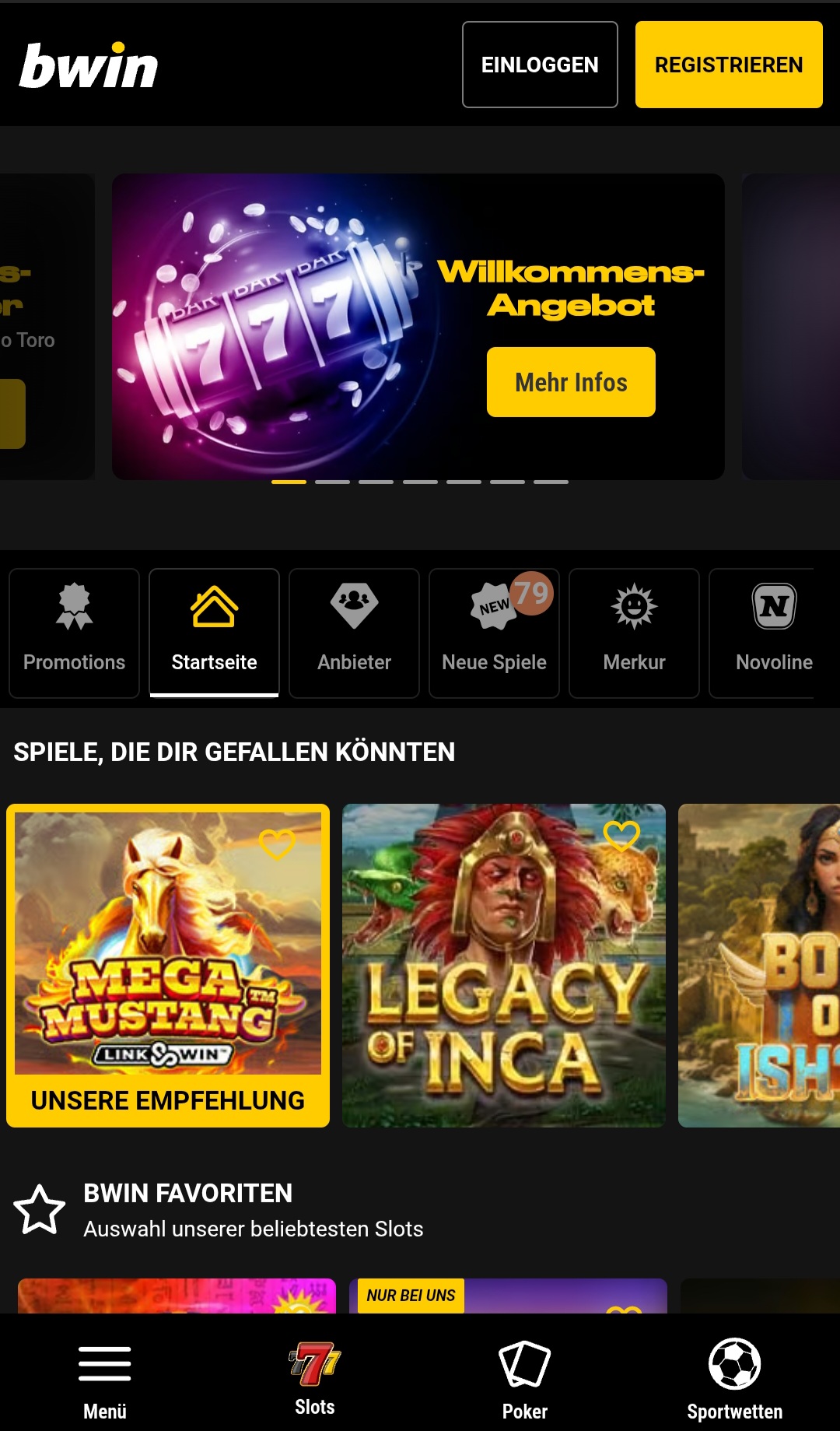
Ongoing access issues often stem from cached data rather than account issues. Clearing the browser cache or reloading the app clears corrupted tokens that can block the login button from responding. If you still cannot proceed, the in-app live-chat support is available 24 hours and can start a manual account unlock after you answer security questions. Note that support agents will under no circumstances ask for your password; any message issuing such a request is a scam. Keeping a secondary email or phone number on file expedites recovery when your primary contact method is unreachable.
Identity Confirmation and Documentation Requirements

Bwin Casino complies with the Australian Anti-Money Laundering and Counter-Terrorism Financing Act, which requires operators to validate every customer before allowing withdrawals above a reasonable threshold. The verification workflow on mobile is separated into two stages: automatic document upload followed by manual review. You will be requested to photograph both sides of a government-issued photo ID—typically a driver licence or passport—and a recent utility bill or bank statement showing your name and Australian address. The app employs the device camera; ensure good lighting and that no glare obscures text, because automated readability checks decline approximately one in five uploads.
Once the images are submitted, a status bar appears in your account dashboard showing “Under Review bwincasinos.eu.” Standard processing times span from a few hours to two business days, although peak periods such as major sporting events can stretch this to three days. If the automated system identifies any discrepancy—for example, a middle name omitted on the utility bill—you will receive an in-app message asking for a supplementary document. Keep digital copies of all submissions on your phone so you can respond quickly; repeated delays often stem from players needing to locate paper records at home. When verification succeeds, the status changes to “Verified” and withdrawal limits are lifted to the maximum permitted by your chosen payment method.
Safe Login Procedures on Mobile Devices
Signing in from a portable browser or the purpose-built app applies the same authentication process, yet further device-fingerprinting takes place in the background to identify unusual locations or operating-system changes. Enter your enrolled email and password on the login screen, then complete the two-factor authentication prompt if you have enabled it. The second factor can be either an SMS code or an authenticator-app token; the latter option is advised because it stays operational even when mobile signal is weak. After completed authentication, the session cookie is valid for 30 minutes of inactivity before an automatic timeout kicks in, a security feature that protects players who keep the app open on shared devices.
If you often move between Wi-Fi and mobile data, the system may interpret the IP-address change as suspicious and trigger an further verification step. To avoid interruption, add your common networks to the trusted-device list inside the security settings menu. This list stores encrypted tokens so future logins from the same networks bypass the extra check. Always confirm the URL begins with “https://” and presents the padlock icon; phishing sites copying Bwin Casino have shown up in Australian app stores, so checking the domain before entering credentials is a simple but efficient precaution.
Detailed Mobile Registration Procedure
The mobile registration form is purposely compressed to minimise typing on compact screens, yet it still collects every required field required by Australian regulations. Start by tapping the “Join Now” button, which opens a short wizard. The first screen requires your email address, chosen password and mobile number. Use a personal email you check regularly, because the confirmation link expires within 24 hours and you will need it again if you ever lose access to your account. On the second screen you enter your full name exactly as it appears on official identification; any discrepancy discovered later will block verification and force you to resubmit documents.
After the personal-details screen, you select your date of birth and residential address. The system compares the postcode against a database of Australian addresses to minimise typos. A progress indicator shows how many steps are remaining, and you can navigate backward if you notice an error. The final screen asks you to consent to the terms and conditions and to confirm that you are not currently self-excluded from any Australian gambling operator. Once you send the form, an SMS verification code is sent right away; enter it within three minutes to activate the account. At this point the account exists but remains in a limited state until identity verification is completed.
2FA and Continuous Security Options
Two-step verification (2FA) adds a second authentication level that minimizes the likelihood of unauthorized access even if your password is breached. On the mobile site, navigate to the security area of your account profile and choose “Enable 2FA.” You can opt between SMS dispatch or an authenticator app such as Google Authenticator or Authy. The app option produces a six-digit code that renews every 30 seconds; because it does not depend on mobile reception, it continues to be trustworthy during travel or in areas with spotty coverage. After enabling, each login will demand the active code in addition to your password.
Beyond 2FA, several other preferences merit attention. Session-duration settings let you set automatic logout after a selected interval, helpful if you share a household device. Login warnings can be switched so that an email or push message informs you whenever a new device or location accesses the account. You can also maintain a list of trusted IP ranges, which is particularly helpful for players who link through corporate networks with static addresses. Checking these settings every month guarantees that any changes in your personal situation—such as a new phone number or frequent overseas travel—are reflected in the security profile and do not cause superfluous verification hurdles.
Common Mobile Login Issues and Effective Fixes
One recurring issue is the login page being unable to load on outdated iOS or Android versions. The mobile site requires at least iOS 13 or Android 8; if your device runs older software, you must either refresh the operating system or use a desktop browser with responsive mode activated. Another common problem occurs when the on-screen keyboard hides the verification-code field, causing users to enter incomplete forms. Rotating the device to landscape mode or swiping the page upward usually exposes the obscured input area.
Network-related errors often manifest as “Connection Timeout” messages. Switching from Wi-Fi to mobile data or vice versa, or toggling airplane mode for ten seconds, forces the device to re-establish a fresh connection and removes any corrupted routing tables. If the error remains across networks, check whether your mobile carrier or workplace firewall restricts ports used by the casino’s authentication servers; a VPN set to an Australian endpoint can occasionally bypass such restrictions, but remember that Bwin Casino itself prohibits traffic routed through known VPN exit nodes, so test any workaround on a low-stakes action first. Keeping the app updated through the official store makes sure that security patches addressing these edge cases are installed promptly, lowering the likelihood of encountering known bugs.